No account
No email, no password, no profile. Open the app and start.
Name a jar, drop money in, and watch it pile up. Brimful makes saving something you can see, whether it's pocket money for sneakers or a year-long emergency fund.
A phone. A trip. School fees. Give the jar a target and, if you like, a date. Brimful works out what to put aside each week.
Tap an amount and hear the coins land. Took some out for the bus? Log that too. Every entry can be undone, so the jar always matches real life.
Open one of 100 envelopes, tick this week's step, or mark a no-spend day. Each one drops its amount straight into your jar.
Milestones at 25, 50 and 75 percent keep you going. At 100 the jar glows, the confetti flies, and you get a card to show off, with the amounts hidden unless you choose.
Savings challenge printables and cash-stuffing binders are everywhere. Brimful puts the same three favourites in your pocket, and unlike paper you can undo a tap.
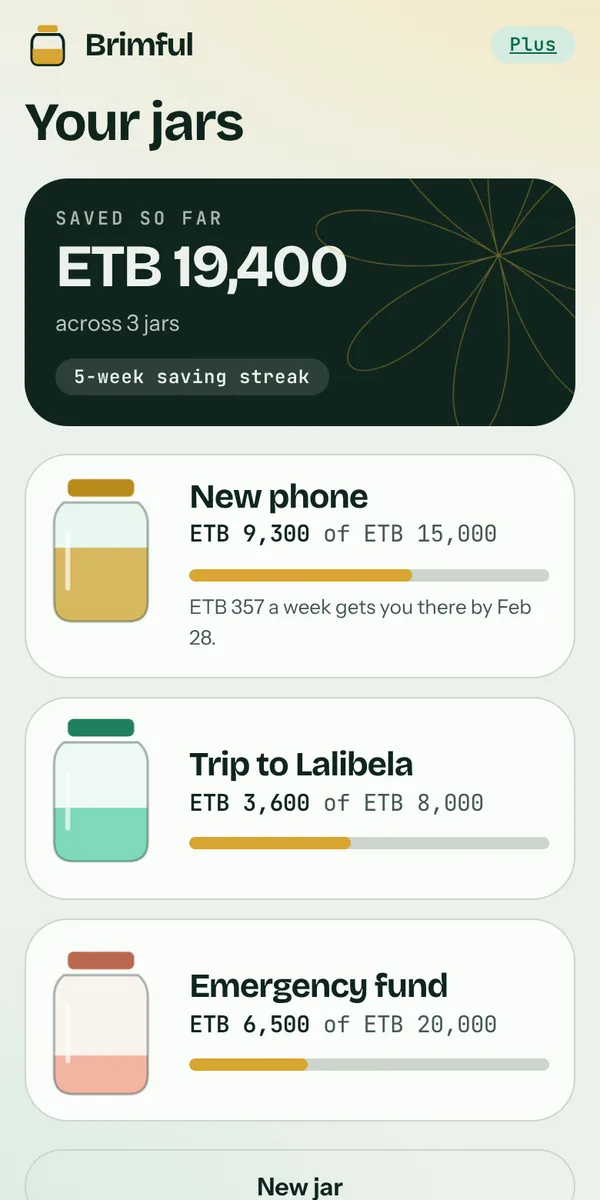
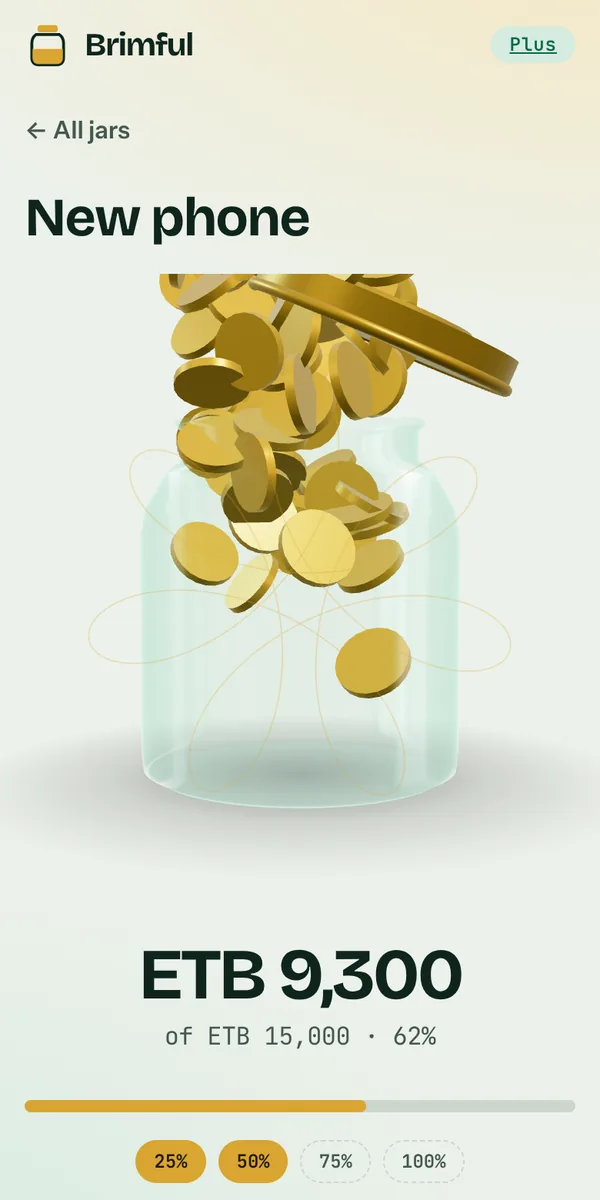
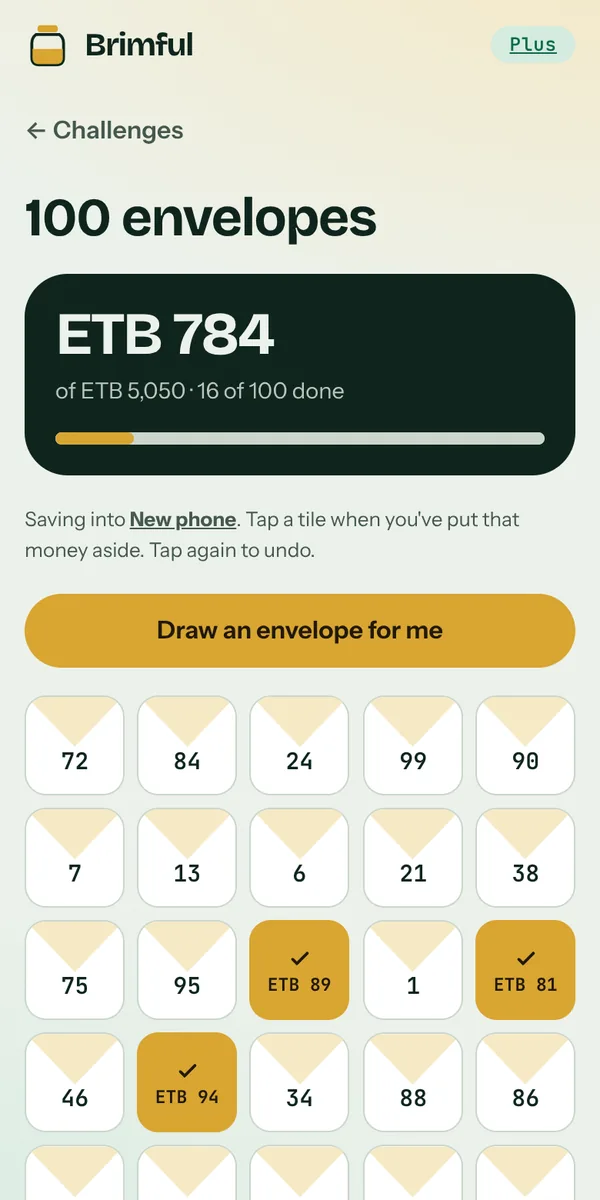
Screenshots of the real app with example jars.
No email, no password, no profile. Open the app and start.
Brimful never connects to your bank or mobile money. You type what you saved.
Jars, amounts and history live in your browser. We can't see them, so we can't sell them.
No analytics scripts, no advertising cookies, nothing loaded from other companies.
Because your data lives on your device, clearing your browser deletes it. Download a backup file, or turn on the optional cloud backup: it is encrypted on your phone with your own recovery code, so we can't read it. The only payment details we receive are your name and transaction ID (birr) or Whop's payment ID (card) if you buy Plus. Privacy policy
$0
forever
$7 one-time
500 ETB by Telebirr or bank
No subscription. 14-day refund. Pay by Telebirr or Bank of Abyssinia transfer (we check each payment by hand, usually within 24 hours), or $7 USD by card through Whop, which unlocks straight away. Whop may add sales tax where required and shows the total before you pay.
Jars you already made are never locked, whatever plan you're on.
No. Brimful is a tracker. Your money stays wherever you keep it: a bank, Telebirr, an envelope, a real jar. Brimful doesn't hold, move or invest anything, and nothing in it is financial advice.
Your jars are stored on your device, so without a backup they would be gone. Turn on Settings → Cloud backup and keep your recovery code safe, or use Download a backup now and then. Either one restores on any device.
It runs in your browser, and you can add it to your home screen so it opens like an app and works offline. On iPhone use Share → Add to Home Screen; on Android use the browser menu → Install app.
Birr, dollars, euros, pounds, shillings, naira, rupees and more. Pick yours in Settings. Brimful doesn't convert between currencies.
Email us within 14 days of paying with your licence key and we send the full amount back: to the same Telebirr number or bank account, or to your card through Whop. Details in the refund policy.
Yes, with Save Together. Start a shared jar for an apartment, a car, a wedding or a trip, and send the invite link to up to 5 people. Everyone adds what they can and the jar fills live on every phone. Starting a shared jar needs Plus; people you invite join free (free members can add up to 15 deposits). Names and amounts are encrypted with the invite link, and no money moves through Brimful.
Brimful is for ages 13 and up. To buy Plus you confirm that you're 18 or older, or that a parent or guardian agreed. Parents can ask us for a refund.